
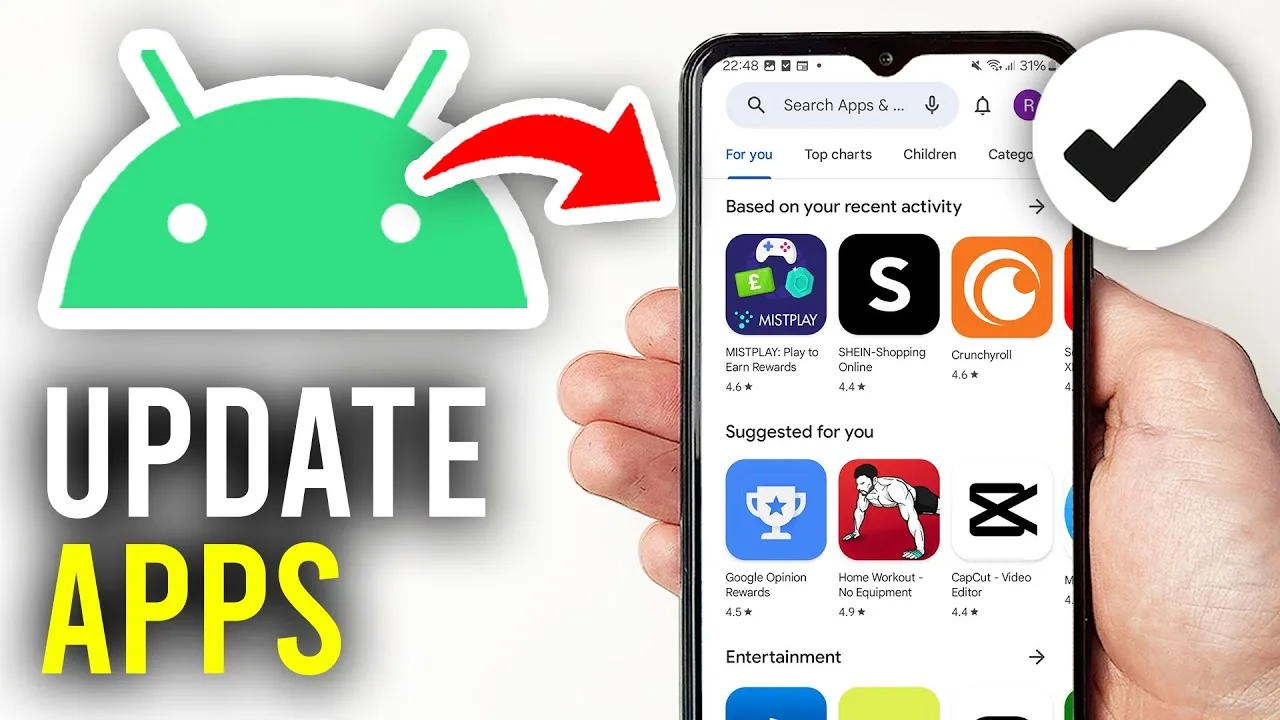
How to Update HI TV APK to the Latest Version
Keep HI TV current: check your version, update over your existing install, and verify your history, downloads, and favourites afterwards.
The blog collects practical HI TV reading for users who want a cleaner view of setup, compatibility, playback-related issues, and everyday usage patterns.
Keep HI TV current: check your version, update over your existing install, and verify your history, downloads, and favourites afterwards.
Stop HI TV buffering with ordered fixes for Wi-Fi, stream quality, background apps, and busy sources — plus when offline viewing beats streaming.
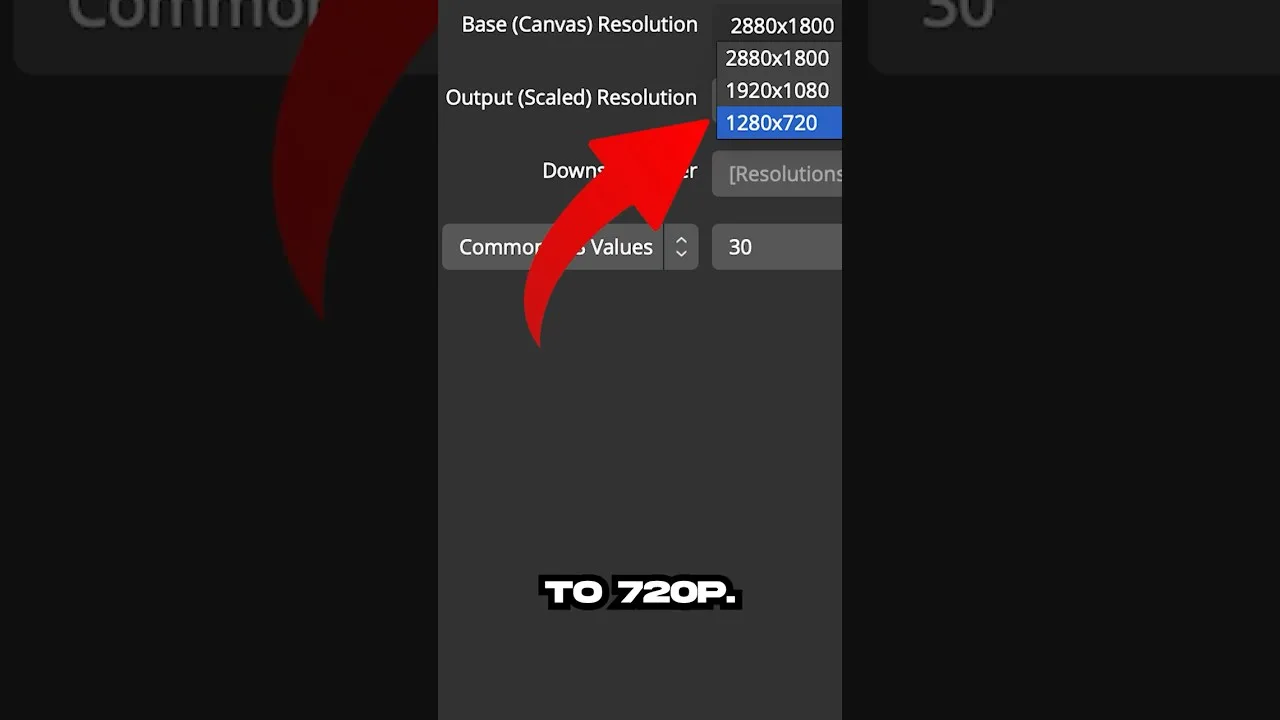
Tune HI TV settings for your phone and network: quality, subtitles, download behaviour, and history options explained plainly.
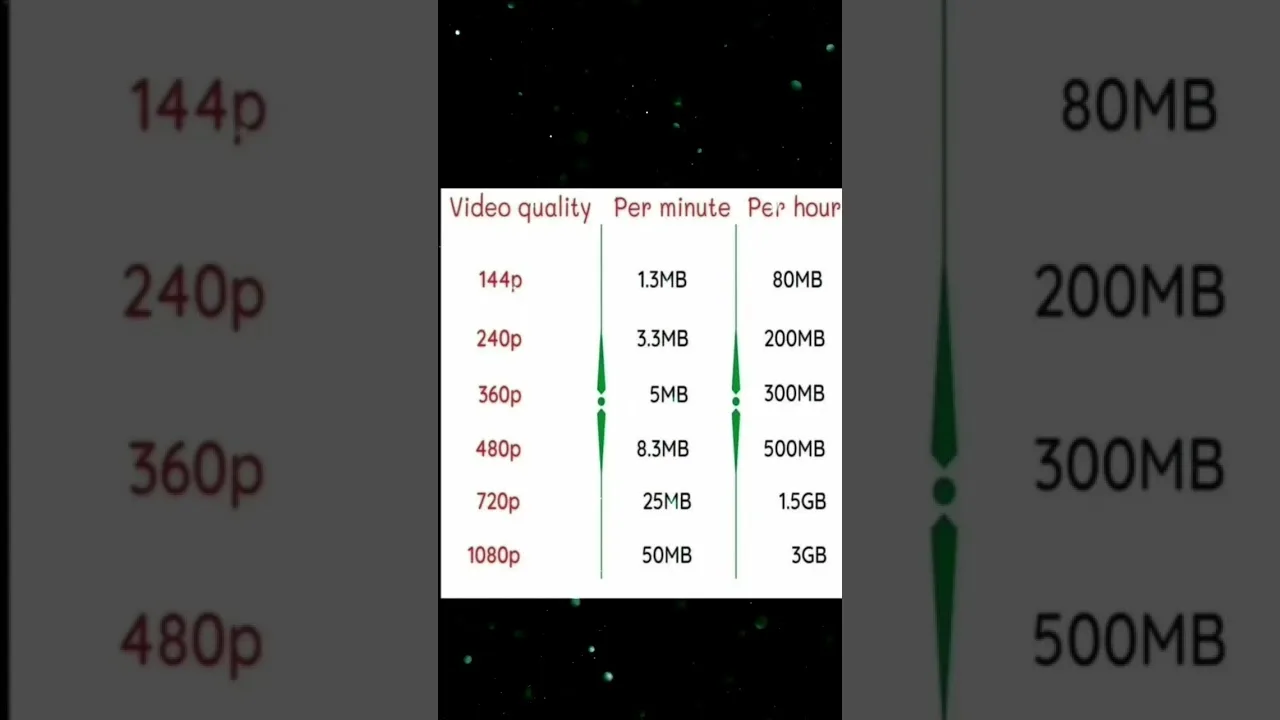
Understand HI TV data usage per hour at each quality level, how downloads change the maths, and budgets for common mobile plans.

Watch HI TV dramas on your television: Android TV installation, casting from your phone, and connection tips for stable big-screen viewing.
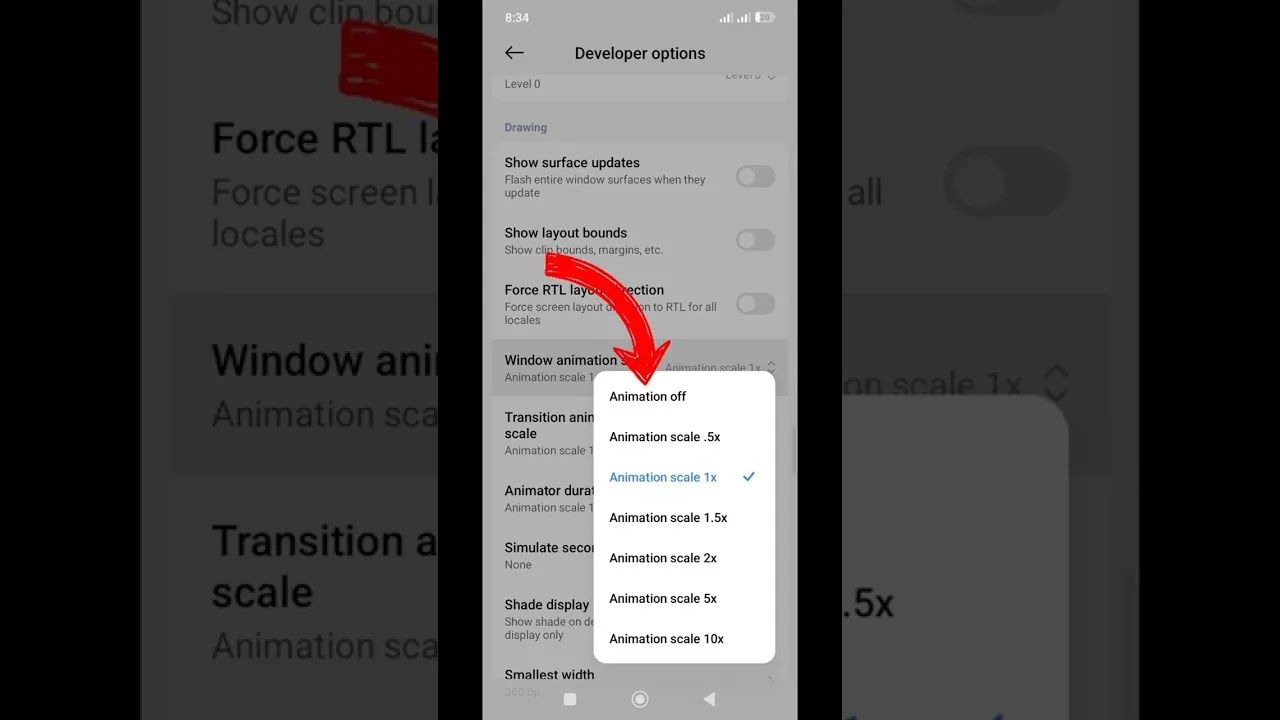
Make HI TV run smoothly on a budget or older Android phone with storage, download, and background-app tips that genuinely work.

Set up HI TV for family viewing: content categories, Android-level controls, and supervision habits for shared devices and young viewers.

Use HI TV offline viewing well: download quality choices, storage management, Wi-Fi-only habits, and building a travel library.

Master HI TV subtitles: choosing languages, sizing text for your screen, fixing sync problems, and subtitles for downloaded episodes.

Find your next series faster on HI TV with precise search, a well-kept favourites row, and your watch history used properly.
How HI TV compares with subscription services for drama viewers: regional catalogues, subtitles, offline viewing, cost, and device freedom.
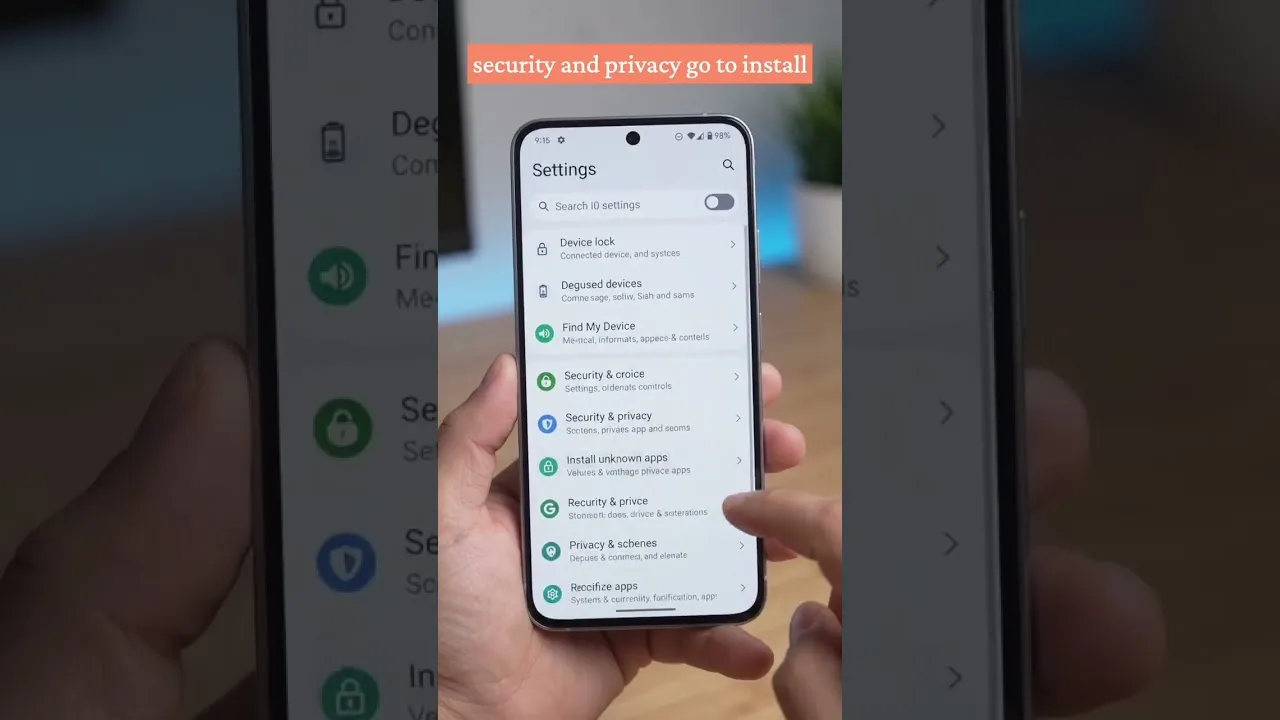
Fix common HI TV installation errors — app not installed, parse errors, blocked installs, and first-launch crashes — step by step.
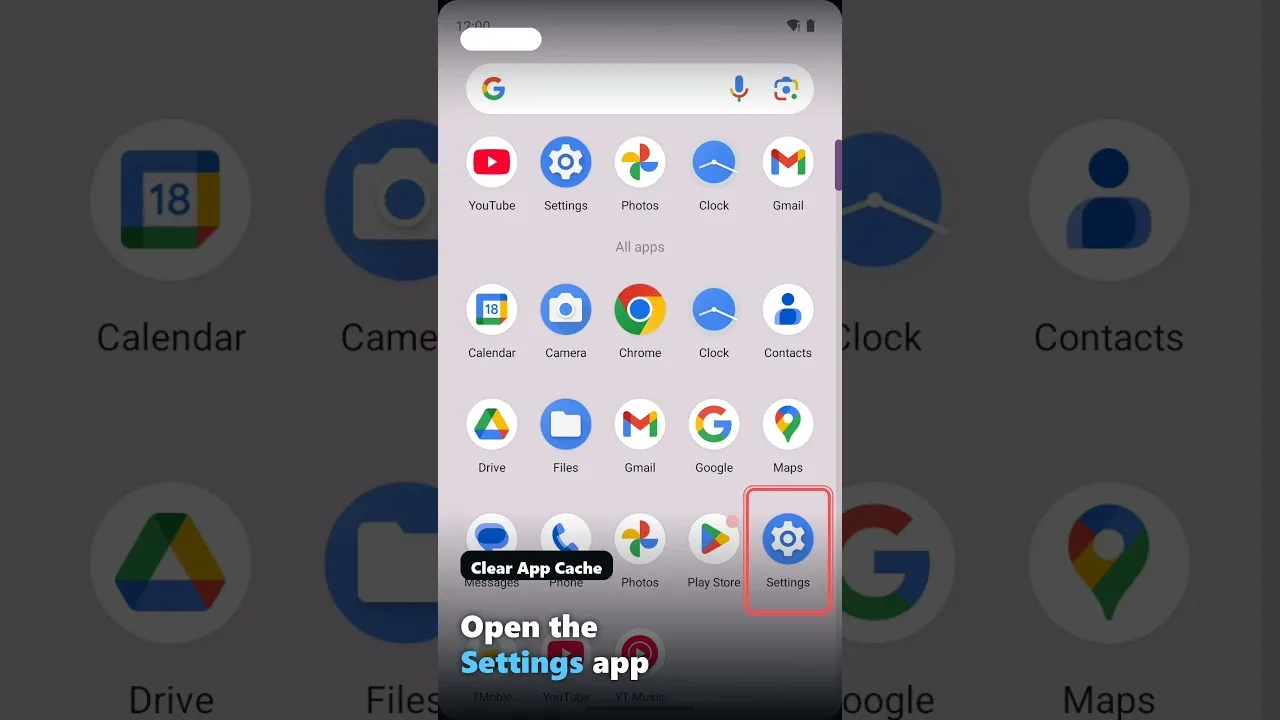
Clear the HI TV cache safely, understand cache versus data and downloads, and free up storage without losing your history.
Quick, clear answers to the questions HI TV users ask most: dramas and subtitles, downloads, devices, data use, and troubleshooting basics.

Learn the best ways to use HI TV APK with practical tips for browsing, subtitle viewing, offline access, and smoother daily use across Android devices.
Fix common HI TV APK issues with practical checks for install errors, slow loading, buffering, playback problems, and device-related causes.

Understand HI TV APK content categories, including dramas, movies, regional entertainment, and the sections that shape browsing habits.

See how HI TV APK fits Android phones, tablets, smart TV setups, Fire TV style devices, and emulator-based PC use with practical guidance.

Explore HI TV APK features including subtitle support, offline viewing, watch history, browsing convenience, and practical tools for Android users.

Learn how to install HI TV APK on Android phones, tablets, and TV-based devices with clear setup steps, permission help, and practical checks.